18 November 2026
Building Your First AI Application: A Practical Checklist
Presented by @smallaibuilds
Taking a rough idea and turning it into a working prototype can feel like a leap if you have never built an AI application before. The gap between what you imagine and what you can actually produce narrows quickly once you know which questions to ask first. A structured checklist helps you move from concept to a testable version without getting lost in the details.
Define the problem clearly
Start by writing down the specific task you want the AI to handle. A vague goal such as "make customer support faster" is hard to translate into code. A sharper version might be "help support agents draft replies to common billing questions." When you narrow the scope, you also reduce the data and model complexity you will need.
Ask yourself: what does success look like? If the prototype answers a single question correctly eight times out of ten, is that enough to test whether the idea has legs? Setting a clear success criterion early stops you from polishing something that was never going to work in the first place.
Check what data you have and what you need
Every generative AI application learns from examples. Your prototype will only be as good as the data you feed it. Look at what you already have: emails, chat logs, product descriptions, internal documents. Is it clean enough? Does it contain the patterns the model needs to learn from?
If you lack data, consider using public datasets or synthetic examples. But be honest about the gap between your test data and real-world inputs. A model that works well on curated examples may stumble on the messy, varied language people actually use.
Choose the right model and interface
You do not need to train a model from scratch. Most prototypes start with an existing foundation model and adapt it through prompt engineering or fine-tuning. The choice depends on your task, the language you need, and the level of control you want. A smaller, specialised model can sometimes outperform a giant general-purpose one on a narrow task.
Think about how users will interact with the application. A simple chat interface works for many tools, but a form that lets users upload a file or select options might suit your use case better. The interface should hide the complexity of the underlying model while giving users enough control to get useful results.
Build a minimal version first
Resist the urge to add features. A prototype that does one thing reliably teaches you more than a half-finished dashboard that tries to do everything. Strip the idea down to its core interaction. If your application is meant to generate marketing copy, build a version that takes a product name and returns three short taglines. Nothing else.
Once that works, you can test it with real users or stakeholders. Their feedback will tell you whether the core idea is worth expanding or whether you need to pivot. A minimal prototype also keeps development time short, which matters when you are learning the tools for the first time.
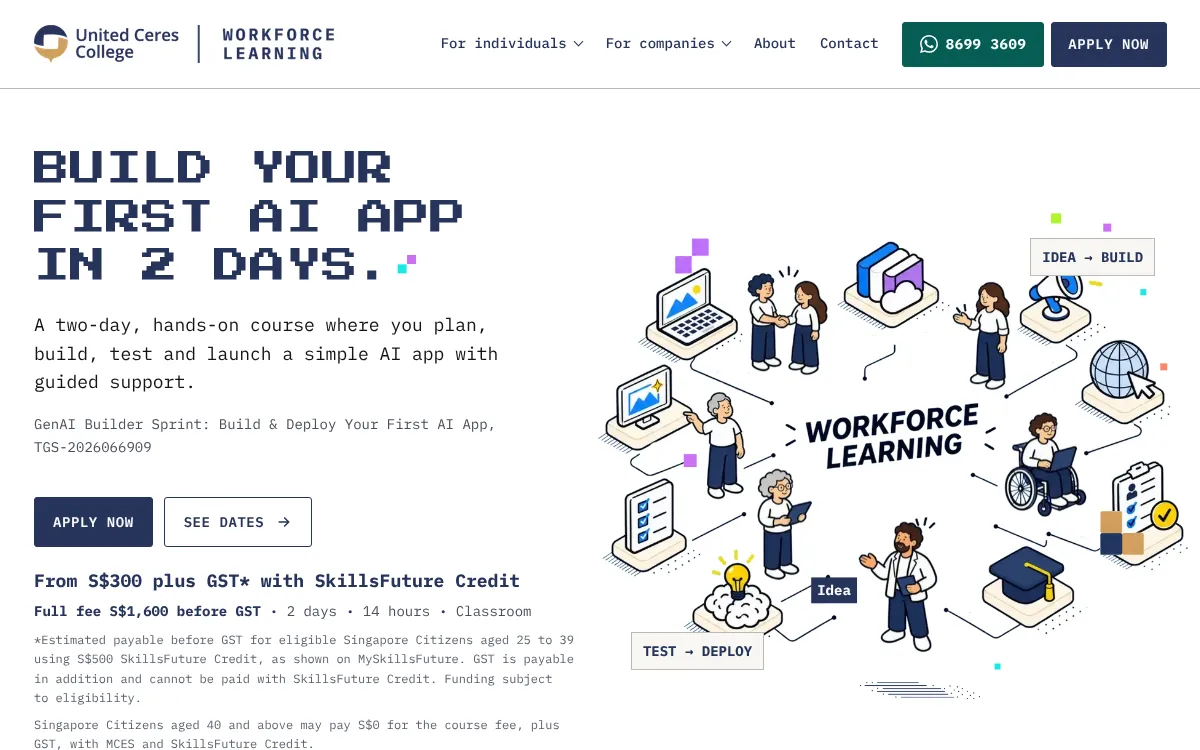
For professionals looking to get hands-on quickly, a structured environment helps. United Ceres College runs a Singapore classroom course that guides participants through building and deploying a simple generative AI application in two days. The course is designed for people who have an idea but need the practical steps to make it real.
Test for common failure modes
Generative AI models have predictable weaknesses. They can produce plausible-sounding but incorrect answers, repeat themselves, or fail to follow instructions when the input is phrased slightly differently from the training data. Your prototype should handle these gracefully.

Write a small set of test inputs that cover edge cases: empty input, very long input, slang, misspellings, and questions that are outside the model's intended scope. See how the application responds. If it gives a confident wrong answer, you may need to add a guardrail, such as a prompt that tells the model to say "I do not know" when it is unsure.
Plan for deployment early
A prototype that only runs on your laptop is hard to share. Think about where the application will live. A simple web app hosted on a cloud platform works for most prototypes. You do not need a complex infrastructure. A basic front end that sends requests to a model API and displays the response is enough to let people try it.
Consider cost and latency. Running a large model on every request adds up quickly. For a prototype, you can limit usage by capping the number of requests per user or by using a smaller, cheaper model for initial testing. Track how long each response takes. If users have to wait more than a few seconds, the experience will feel sluggish.
Gather feedback and iterate
Once the prototype is live, watch how people actually use it. The questions they ask and the mistakes they make will reveal what the application is missing. Keep a list of the most common failure patterns and prioritise fixes that improve the core interaction.
A prototype is not a finished product. Its purpose is to validate the idea and show you what the next version should look like. Many successful applications started with a crude first version that taught the team what really mattered.
Courses like the one at United Ceres College give you a structured path through these steps, from the initial concept to a working prototype that you can test with real users. The two-day format forces you to focus on what is essential and leave the rest for later.
Keep the human in the loop
Generative AI tools are powerful, but they still need human judgment. Your prototype should make people more effective, not replace their decision-making. Design the output so that a person can review, edit, or override it easily. The best AI applications augment human skills rather than trying to automate everything.
As you move from prototype to production, you will add more automation and guardrails. For now, let the prototype show you what is possible. The rest comes with practice.
United Ceres College on social media
 Twitter
 LinkedIn
 Facebook
 Instagram
 YouTube